
How to Find and Track Customers in Medieval Juice Crafter
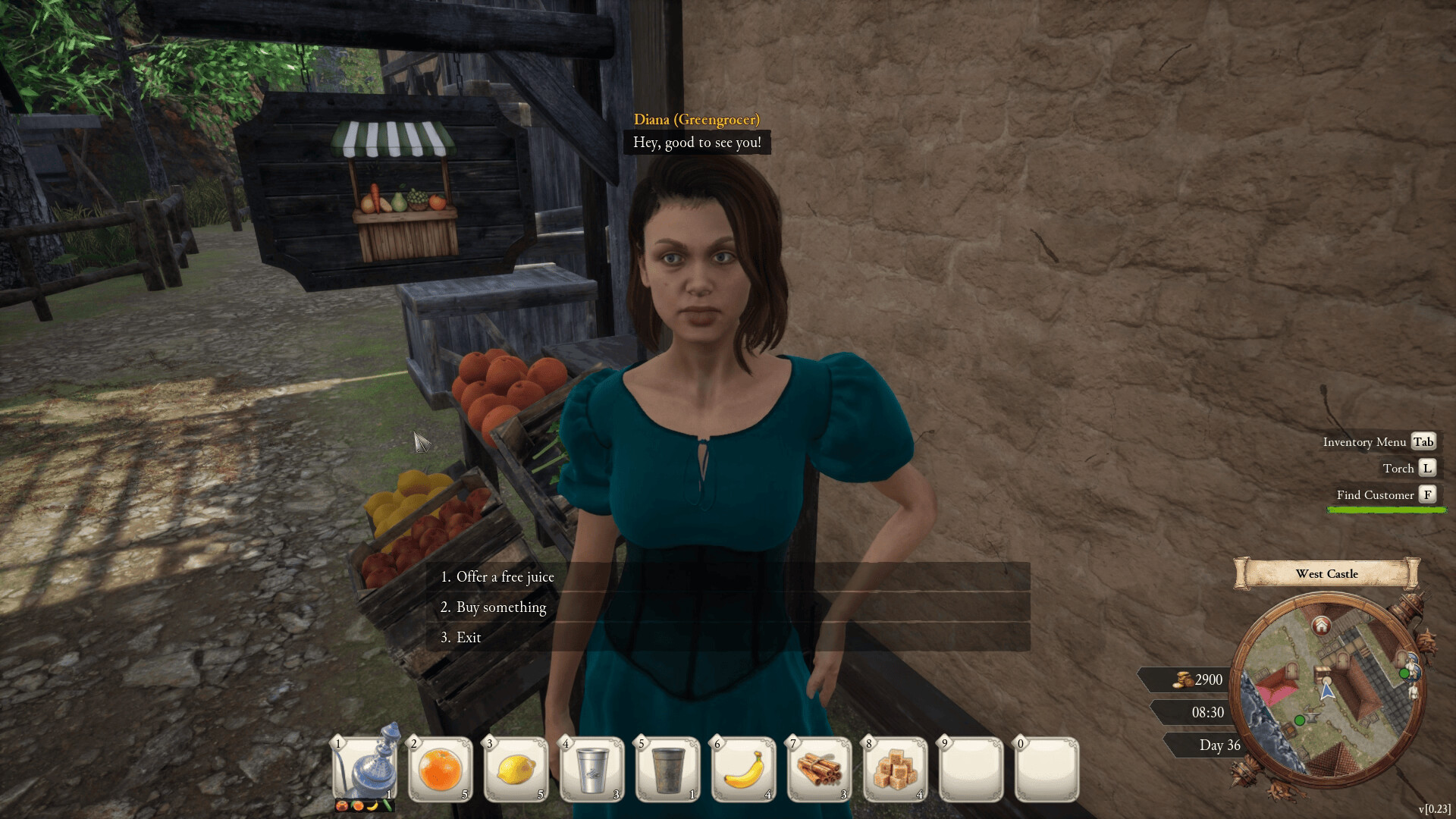
Open Inventory → Customers, select the NPC the quest wants, and use Track when that button is available. Launch-week tutorial footage explicitly does this for Maximus the Tinsmith, then repeats the flow for Conrad the Fisherman. Later East Dock objectives also expose a Find Customer button when you need more local prospects.
Track a named customer
- Open the inventory/menu.
- Choose Customers.
- Select the named NPC.
- Click Track.
- Return to the world and follow the marker.
This is much faster than memorizing houses while the village schedule is still unfamiliar.
Find Customer vs Track
Track is for somebody already represented in your customer list. Find Customer appears during local growth objectives when the game wants you to discover new prospects rather than locate one known NPC.
The East Dock progression includes a goal to increase satisfaction and reach more customers, followed by a visible Find Customer control. Because the exact numeric targets are build-sensitive, the useful part is the mechanic: when you have exhausted obvious prospects, use the discovery tool rather than wandering indefinitely.
Why is the tracked NPC unavailable?
Possible reasons supported by the footage include:
- the NPC does not live in the current village;
- you already gave that person a juice today;
- the NPC is inside a building or following a schedule;
- your village standing is not high enough for the offer yet.
Do not solve all four by changing the recipe. First determine whether the interaction itself is available.
Two useful early landmarks
Conrad is identified as the Fisherman and is often found around the dock area. Maximus is the Tinsmith and is introduced through the customer-tracking tutorial. Use job labels together with tracking when a name is unclear.