Customer Preferences Guide
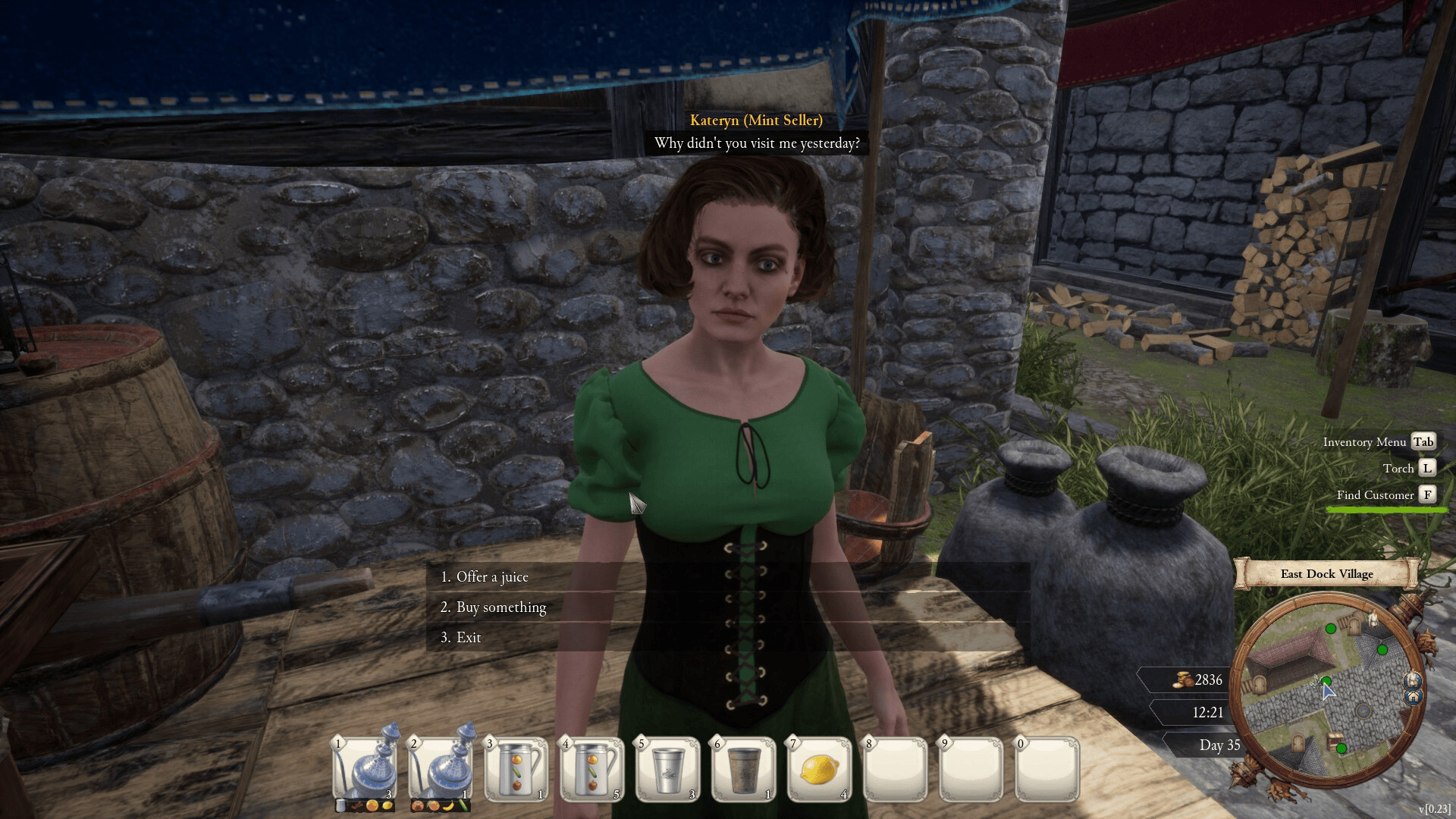
Customer conversion is a matching problem. Open the Customers section, inspect the preferences you have discovered, track the NPC, and offer a drink that satisfies the known taste/effect requirements. A successful free sample can convert a potential customer into a repeat buyer. Unknown preference slots are meant to be discovered—not guessed into existence.
What the customer screen is actually for
The customer list is more than a directory. It tells you who is a customer, who is only a potential customer, what preferences you have learned, and—during tutorial objectives—lets you track a specific NPC in the world.
A launch-week tutorial flow instructs the player to open Inventory → Customers, click the Track button on Maximus the Tinsmith, and then follow his marker. The same flow is later used to find Conrad the Fisherman.
Preference examples we can support from launch-week footage
| Customer | Known preference | Practical use |
|---|---|---|
| Maximus the Tinsmith | Sweet + Energy Booster | A mixed lemon batch shown in footage satisfies both tags. |
| Leticia | Sour | Basic lemon is the obvious low-complexity match in the launch-week example. |
| Conrad the Fisherman | Sour is revealed; a sweet/sour mixed batch converts him in one example | Track him near the dock when the tutorial points you there. |
| Jack the Hat Maker | Orange preference appears in the customer panel during launch week | Keep orange available when trying to convert him. |
| Viviana | Sour + Immunity Booster appears in one launch-week example | The name may be spelled differently in some coverage; check the job label in your game. |
These are examples, not an exhaustive roster. Some names can vary between coverage and the game UI, so use the job label and current customer panel when the spelling is unclear.
How to turn a potential customer into a customer
- Open the customer list and select the target.
- If available, Track them rather than running door to door.
- Check every revealed preference slot.
- Make the smallest recipe that meets those tags.
- Bring a clean cup and offer the free sample.
- Re-open the panel and see whether more preference information became visible.
A customer who says they do not live in the village is not necessarily bugged; that NPC may simply be outside the current village’s conversion pool.
Why a “correct” fruit can still fail
The game’s matching system goes beyond fruit. The official description says ingredients carry different effects, and customer needs can include those effects. A customer may therefore like lemon but still require an immunity, energy, hydration, or other property that your plain lemon drink does not provide.
This is why the recipes & effects guide and customer page should be used together.
Reputation can gate offers
Launch-week footage includes NPC responses that they can only accept an offer once you are well known enough in the village. If the recipe looks correct but the offer is unavailable, continue converting other reachable customers and raising local satisfaction before assuming the recipe is wrong.
Fastest workflow when you only need the quest target
Use How to Find Customers for tracking controls, then use the Customer & Recipe Matcher to reduce the early-game recipe possibilities. Do not cook a full tank until the target and preference are clear.