
How to Empty a Juice Tank in Medieval Juice Crafter
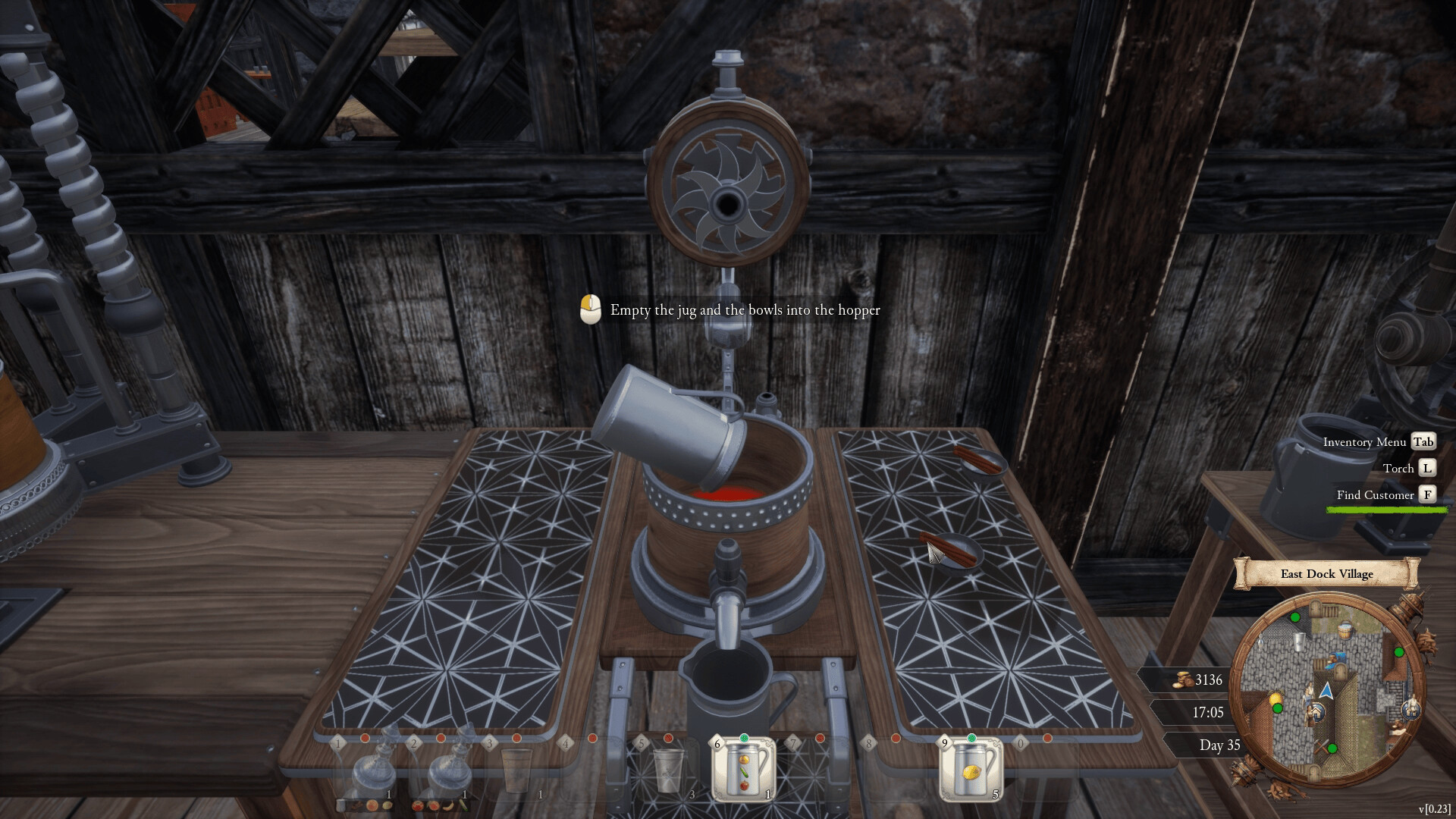
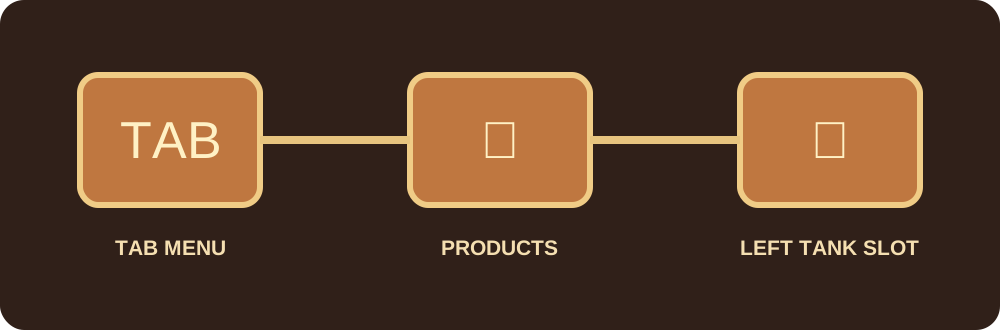
Open the Tab menu, go to Products, then drag the juice tank into the slot on the left that is marked with a juice-tank figure. This is the quickest fix when you are stuck with lemon juice and want to switch recipes.
The exact steps
- Press Tab to open the menu.
- Open Products.
- Find the juice tank you want to clear.
- Drag and drop it into the left-side tank slot marked by a tank figure.
- Return to production and refill the now-empty tank with the recipe you actually want.
Why this is easy to miss
Most players naturally look for a pour, dump or drain interaction on the physical tank. The action is in the Products interface instead. If you need to switch from lemon to orange, clear the tank before buying the next ingredients so you do not waste gold on a batch you cannot load.
Empty the tank before you buy the next batch
The expensive mistake is buying ingredients for a new recipe while your only usable tank is still full of the old one. Clear the tank first, then confirm the next target customer and recipe, then spend. That order matters most in the first few days when rent and machine purchases compete with ingredient money.
What if the menu path looks different?
Menu labels can move between builds, especially around launch. If Products no longer exposes the tank slot in your version, check the latest Steam announcement before forcing a workaround.
Next: Recipes & Effects · Beginner’s Guide