
How to Pay Rent in Medieval Juice Crafter
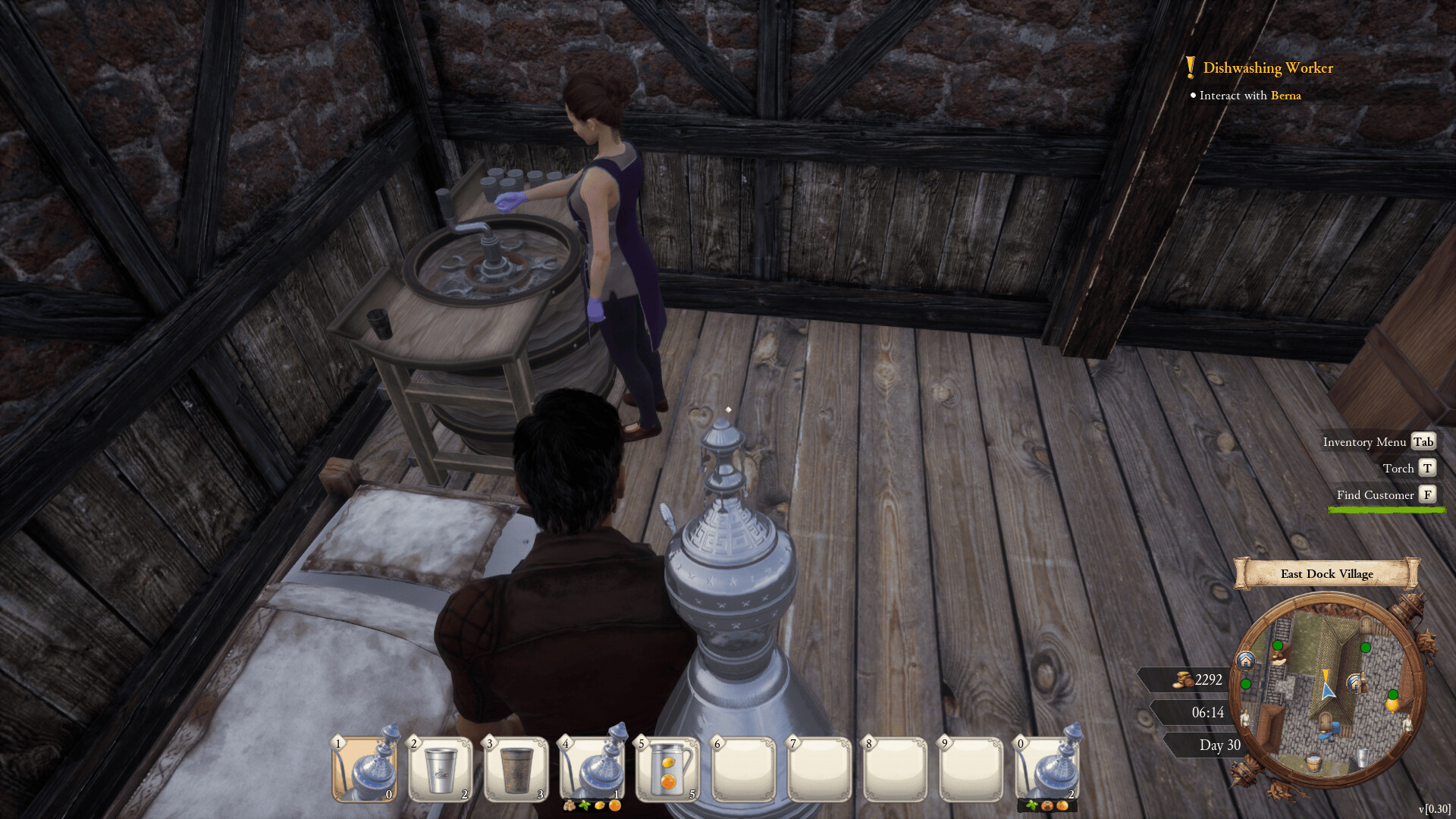
When the Rent Payment objective appears, follow its exclamation marker at your rented East Dock workplace and choose the rent action. Some builds show options to pay today and prepay the next three days. Do not ignore it: three unpaid days can cost you the property.
Where the rent payment happens
Rent is tied to the small East Dock room you receive from Jack at the start of the business. The rent objective appears shortly after the first customer sequence. Follow the exclamation marker at the rented property and use the payment interaction rather than handing money to Jack face to face.
That detail matters because Jack lives upstairs and the early dialogue makes it sound as though rent is a landlord conversation. It is easier to treat the property marker / objective as the payment point.
Should you prepay?
If your build offers “pay the next three days,” prepaying can be sensible when you are about to spend a long in-game day chasing customers or experimenting with recipes. It removes one failure point from your daily loop.
Do not prepay so aggressively that you cannot afford the current progression machine. A practical buffer is simply: rent first, task ingredients second, quest machine third, speculative inventory last.
What happens if I miss rent?
The game warns that you can be kicked out after three unpaid days. Exact warning timing may change by version; the important part is that rent is not a decorative expense.
Early-game money rule
Before you sleep, make sure tomorrow’s required purchase is covered. If you are one machine unlock away from the Mixer, do not fill storage with ingredients that have no confirmed customer. Targeted samples and small batches are cheaper than stockpiling.
For a broader cash-flow plan, see How to Make Money.